The daily planner for
Google Calendar

Drag tasks to your calendar. See your whole day at a glance.
Works with all your Google accounts.

Works with

No credit card required · Free forever for 2 accounts · Pro from $7/month

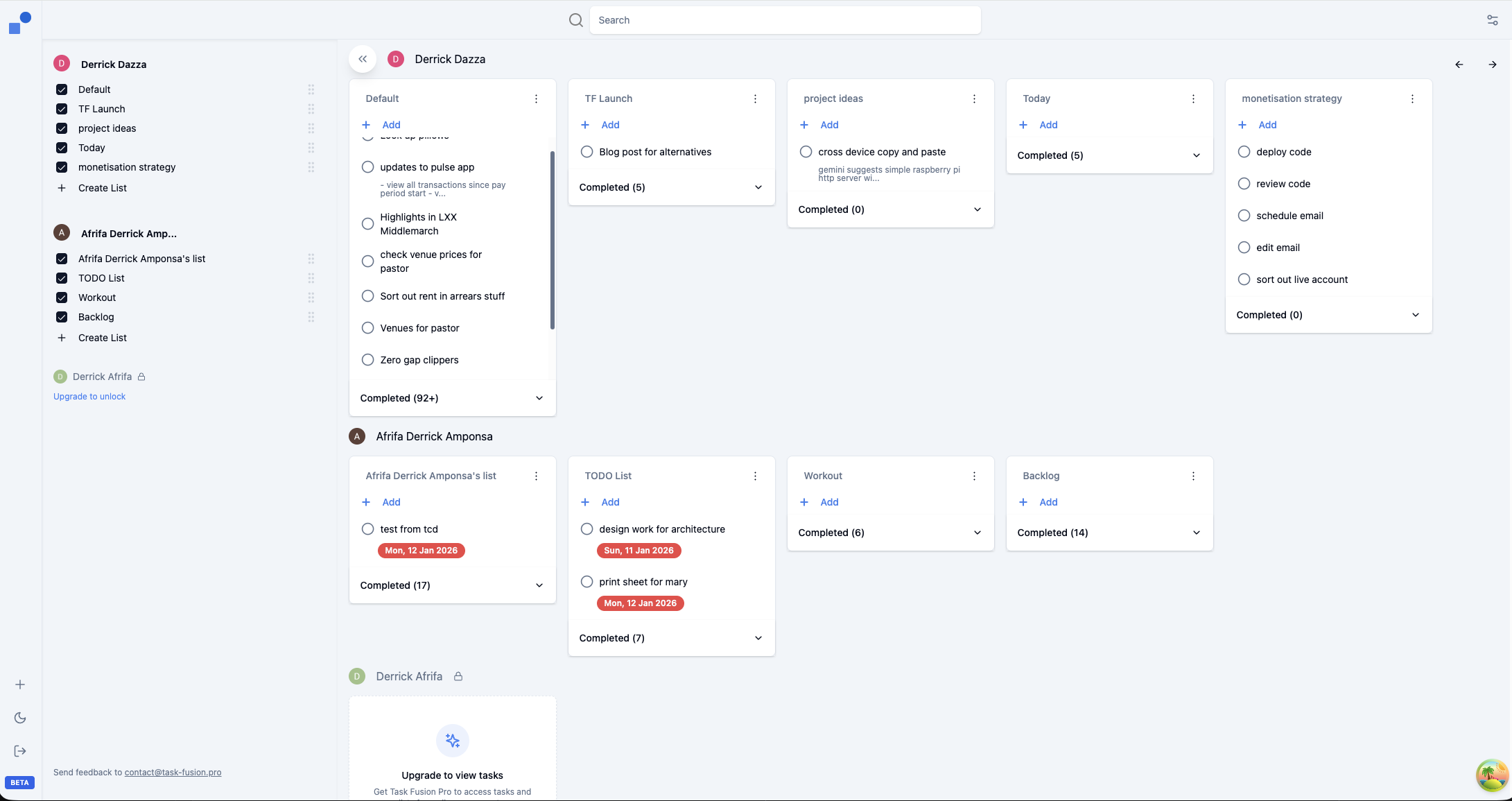
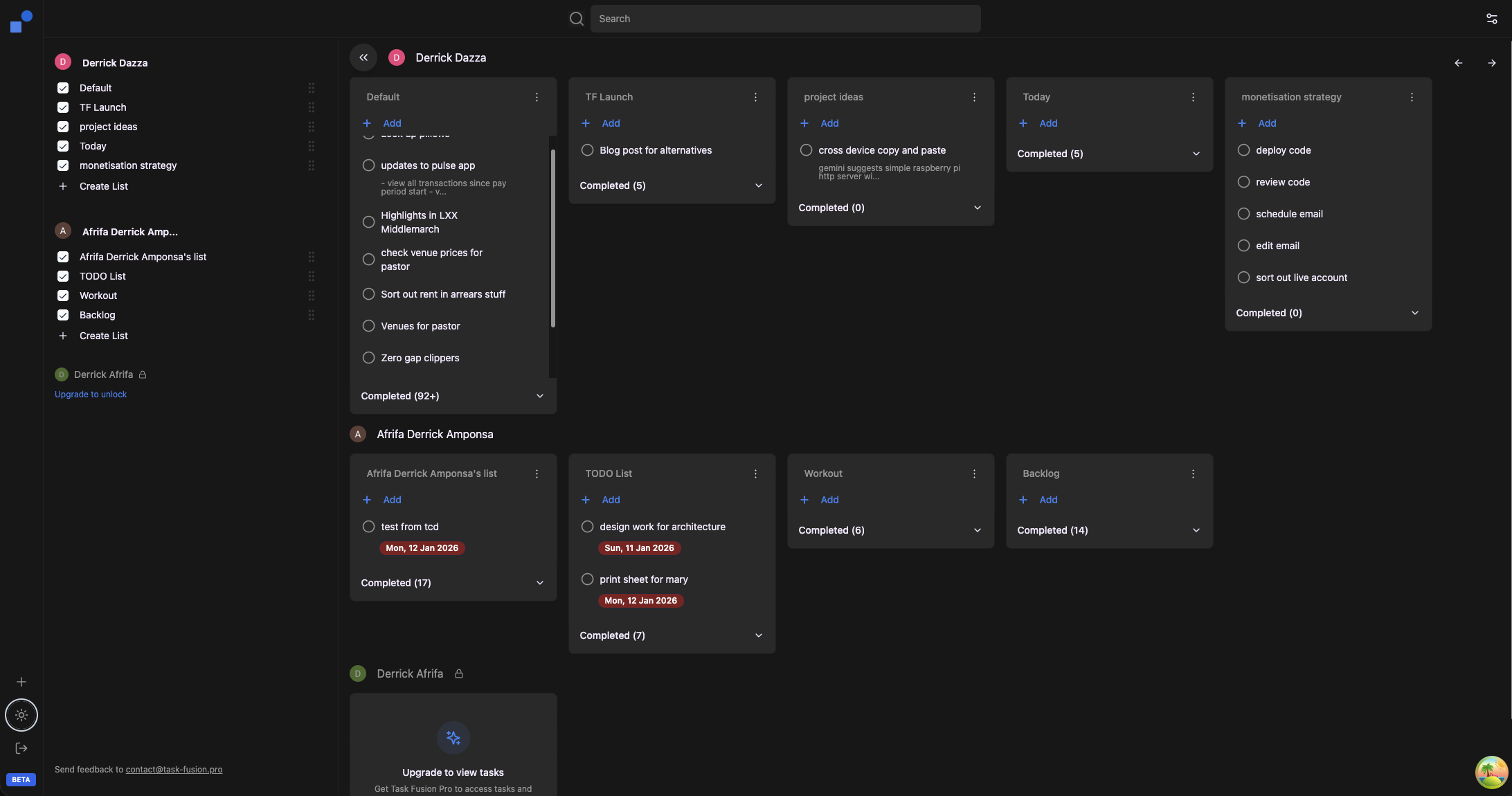
Task Fusion app showing Planner View with calendar and tasks from multiple Google accounts Task Fusion app showing Planner View with calendar and tasks from multiple Google accounts (dark mode)

The Problem

Stop juggling tabs.
Start planning your day.

If you use Google Calendar and Google Tasks, you know the drill: tasks in one place, calendar in another, and no easy way to plan what you'll actually do today.

Task Fusion brings them together. See your calendar and tasks side by side. Drag a task to schedule it. That's it.

How It Works

Plan your day in 3 steps

1

Connect your Google account

Sign in with Google and Task Fusion syncs your calendars and task lists automatically. Add more accounts anytime.

2

See everything in one view

Your calendar events and tasks appear together. Color-coded by account so you always know what's what.

3

Drag to schedule

Drag any task onto your calendar to block time for it. Reschedule by dragging. Done.

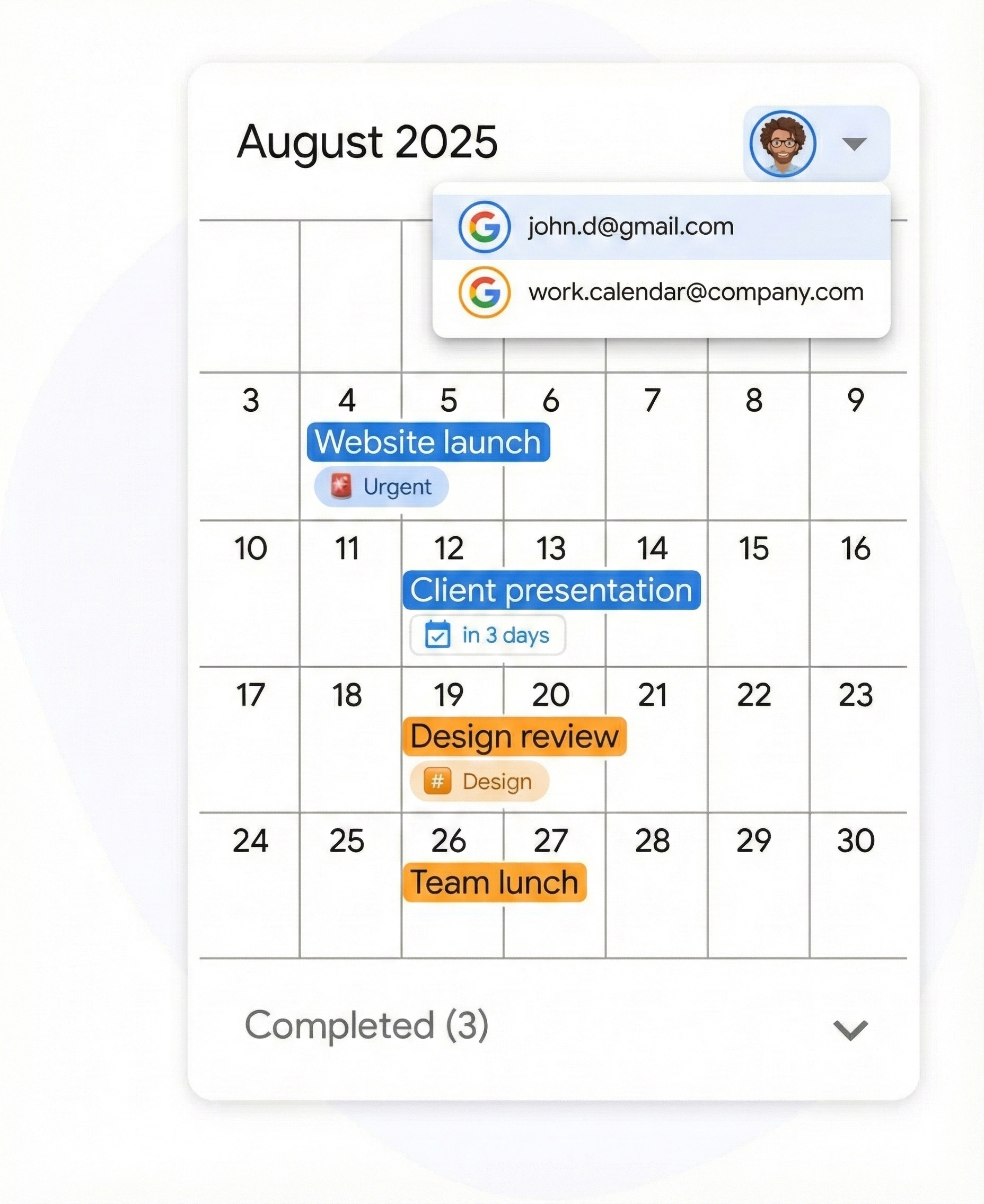
Account selector showing events from multiple Google accounts in different colors

Multiple Accounts

Multiple Google accounts? Finally, one place for all of them.

Freelancers, contractors, and agency workers often manage 2, 3, or more Google accounts — personal, business, client Workspace accounts. Until now, that meant constant switching.

Task Fusion connects all your accounts and shows everything together. Each account gets its own color. No more "which account was that task in?"

  • Connect unlimited Google accounts
  • Tasks and calendars from every account
  • Color-coded so you can tell them apart
  • Switch views without switching accounts
Task being dragged onto calendar to create a time block

Drag-to-Schedule

Give every task a time and place

See a task that needs doing? Drag it onto your calendar. Task Fusion creates a time block automatically. Your task list shrinks, your calendar tells the story of your day.

Pricing

Simple and affordable

Task Fusion gives you what you need without the complexity or price tag.

Feature Task Fusion Sunsama Motion
Annual price $7/mo $16/mo $19/mo
Monthly price $8/mo $20/mo $29+/mo
Free tier Yes (2 accounts)
Google Calendar sync Yes Yes Yes
Google Tasks sync Yes Yes
Multiple Google accounts ✓ Unlimited Yes Yes (calendars only)
Drag-to-schedule Yes Yes Yes
AI auto-scheduling Yes
Mobile app Yes Yes
Learning curve None Low High

Prices shown are for annual billing. Task Fusion Pro: $84/year. Sunsama: $192/year. Motion Pro: $228/year.

Task Management

Need to manage tasks across accounts? We do that too.

Task Fusion started as a way to see all your Google Tasks in one place. That feature isn't going anywhere. Switch to Task View anytime to see, edit, and organize tasks across all your accounts and lists.

Learn more about Task View →

From the Community

"Finally, someone gets it."

"I manage 4 Google accounts for different clients. This is literally the only app that lets me see everything without losing my mind."

— Sarah K., Freelance Designer

"Switched from Sunsama. Same clarity, fraction of the cost, zero learning curve."

— Marcus T., Independent Consultant

Simple Pricing

Built for freelancers.
Priced like it.

Beta Pro features are free while we're in beta

Free

$0 /month
  • Up to 2 Google accounts
  • Daily planner view
  • Drag-to-schedule
  • Task management
Get Started

Others charge $20/month for complexity you don't need.
We charge $7 for the one feature you actually do.

Start planning your day

Free forever for 2 accounts. Pro from $7/month billed annually.
No credit card required.

Get Started Free or see how it works →